
 Business License

How Should a Catalog Separate Spades, Digging Shovels, and Scoops?
How Should a Catalog Separate Spades, Digging Shovels, and Scoops?
A catalog that mixes spades, digging shovels and scoops under one heading sells badly.
Buyers pick a tool for a job, so the page should follow the job rather than the word shovel.
This guide sets out a structure for a printed catalog and for the same range on a website.
Group by Job, Not by the Word Shovel
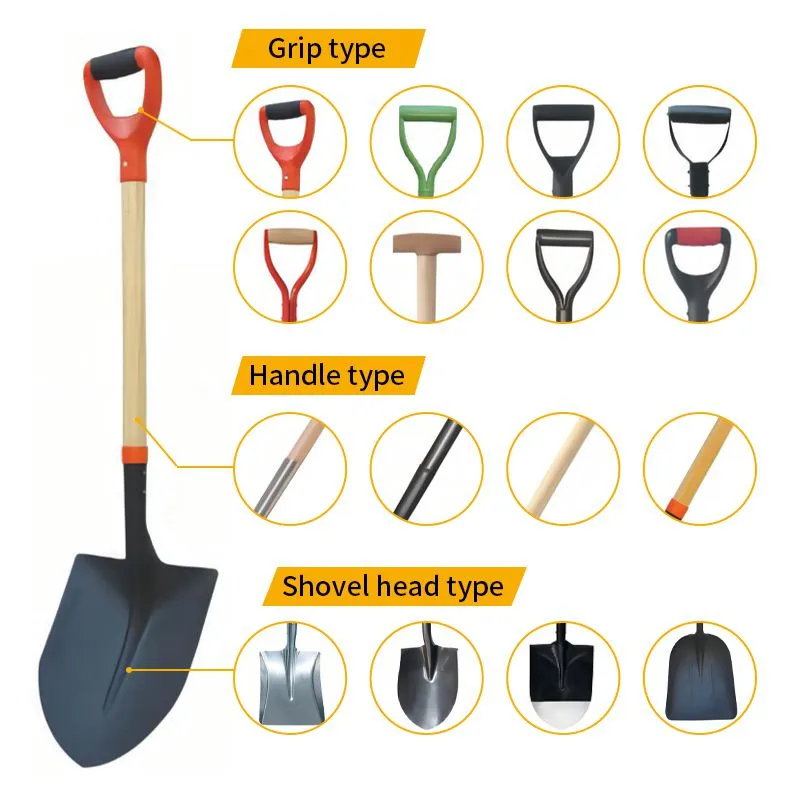
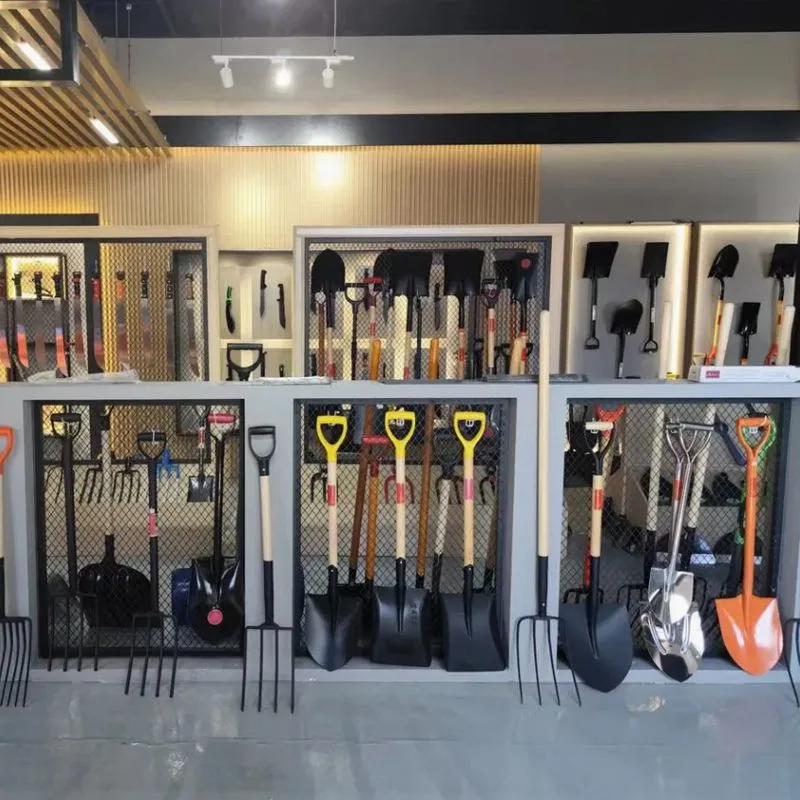
Open the range with four groups: digging, cutting, scooping and trenching.
A digging group holds round-point and square-point shovels made to break open ground.
A cutting group holds garden, border and turfing spades with sharp flat edges.
A scooping group holds grain scoops, aggregate scoops and wide snow blades.
A trenching group holds drain spades and narrow channel tools in a few lengths.
Each group then sits in family order, from the smallest model to the largest.
A buyer who serves farms turns straight to the scooping group and stops searching.
A buyer who supplies gardeners opens the cutting group and compares two sizes only.
Grouping by job also shows gaps, such as a missing 150 mm border spade in the line.
Write one plain line under each group heading, describing who uses those tools.
Label each group with the verb, so a customer question can be matched to a page.
Cross-list a model in two groups only when it truly serves two jobs.
Naming Rules and a Model Code System
Fix one rule for names: job word first, then blade shape, then size.
So a page might read digging shovel, round point, 240 mm.
Avoid letting two names describe one model, or one name cover two models.
Build a code that carries blade shape, blade size and handle type together.
Use two letters for the shape, such as RP for round point or GS for garden spade.
Add a three digit blade width, then a shaft code such as W for wood or F for fibreglass.
A code like RP-240-W is short, sortable on a spreadsheet and easy to say on a call.
Keep the code fixed when the price changes, and issue a new one only for a new tool.
Keep the code short enough to fit on a carton panel printed by hand.
Print the code on the carton, the label and the invoice, so all three match.
Note any local name beside the code, so staff can find the tool by either.
Retire an old code rather than reusing it, because a reused code hides a spec change.


Spec Table Fields and Photo Consistency
Give every model one row in a table, with the same fields in the same order.
Start with the model code, then the tool group, then the job it performs.
Give the blade width, length and steel thickness as millimetre figures.
Add the blade face type, the socket type and the blade-to-handle angle.
Show the handle material, the shaft length and the grip shape in one table row.
Finish with the unit weight, the pieces per carton and the finish colour.
Add the minimum order quantity per model, because buyers plan from that column.
Leave out vague phrases such as heavy duty, because they mean nothing on a spec sheet.
Mark the unit system once at the top, so no reader wonders about inches.
Photograph every blade from the same height, with the same light and background.
Use one scale of ruler in every shot, so a 300 mm blade looks larger than a 200 mm one.
Show the same crop and the same angle, or buyers compare shapes that are not comparable.
A consistent photo set lets a reader learn the range after two pages instead of twenty.
Cross-Reference Tables, Search Terms and Page Layout
Add a cross-reference table that lists the same tool under its regional names.
One row might read spade, shovel, digging spade and trench spade for a single blade.
That table saves the email that starts with a question about what you call each item.
For a website, attach the regional words and the model code to the same page.
Add filters for job, blade width, handle length and price band, so a buyer narrows fast.
Check the search terms buyers type in each market, then use those words in headings.
Keep one page per tool group, rather than one giant page for the whole range.
In print, give each group a two page spread with the photo set on the left.
On the web, split the same content into pages with a short intro above the table.
Use the same structure in both layouts, so a printed page and a web page read alike.
Keep the PDF the same sheet size as the print version, so tables stay readable on a laptop.
Give each group its own index entry, since a printed catalog is searched by thumb.
Number the pages in blocks of ten, so a salesperson can quote a page in seconds.
What to Write in an RFQ When You Order a New Catalog
Tell the factory which tool groups you sell and which channel buys them.
Send your naming rule and code system in writing, with one example of each.
List the spec fields you want filled, in the order you want them shown.
Name the photo views, and say that light, background and ruler must match across models.
Ask for the regional names table in one file, so you can add your own market words.
Request the file formats you can edit, such as a spreadsheet and an image folder.
State the number of pages and the languages the catalog must cover.
Ask for a proof page of one group before the whole catalog is produced.
Ask the factory to check every model code against the production list before printing.
Request a revision date on each page, so older stock is easy to spot.
Say when you need the file, because a season opening does not move.
A clean structure removes most wrong orders, most returns and most routine email questions.
Recently Posted
-
Documents Needed to Bid for a Hoe Supply Contract
October 16, 2026Documents Needed to Bid for a Hoe Supply ContractTender submissions are judged on documents before they are judged on price.A stro Read More
 -
Hoe Specifications in Aid and Emergency Tool Kits: What Tenders Require
October 16, 2026Hoe Specifications in Aid and Emergency Tool Kits: What Tenders RequireAid and emergency programs buy hoes by the tens of thousand Read More
 -
Winning Hoe and Hand Tool Tenders: A Supplier's Guide to Public Bids
October 16, 2026Winning Hoe and Hand Tool Tenders: A Supplier's Guide to Public BidsTender business looks attractive because volumes are large Read More
 -
How to Pack Hoes for Sea Shipment: Rust Prevention and Damage Control
October 16, 2026How to Pack Hoes for Sea Shipment: Rust Prevention and Damage ControlA hoe can pass every inspection at the factory and still arri Read More

Contact Us
Recommended Products
-
 Heavy Duty Cane Knife Machete for Wholesale Buyers Factory Direct Export for Rural Agricultural Projects Durable Hand ToolNegotiableMOQ: 1200 Pieces
 -
Agricultural Hoe Head Garden Rail Steel Tool for Tough Soil Cheap Price Hand ToolsUS$ 1.07 - 1.27MOQ: 1200 Pieces
-
Sturdy Rail Steel Hoe for Weeding, H305 Perfect for Agricultural and Garden TasksUS$ 1.07 - 1.27MOQ: 1200 Pieces
-
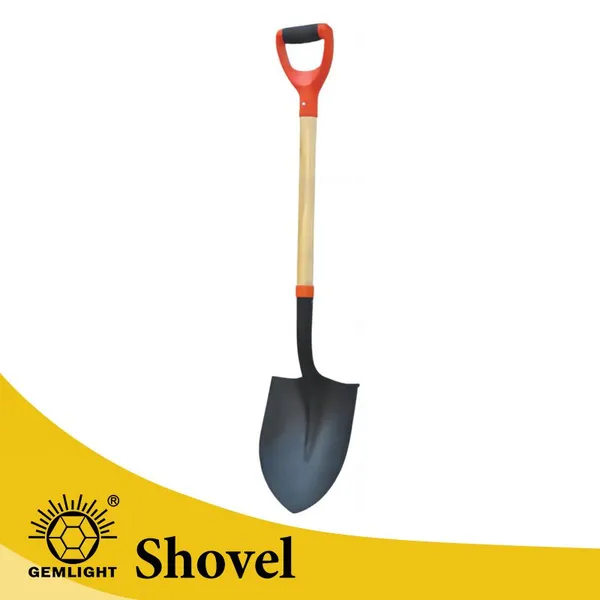
Heavy Duty Manganese Steel Garden Shovel Round Point Digging Shovel With Wooden Handle Farm Tool SupplierUS$ 2.14 - 2.36MOQ: 1200 Pieces
-
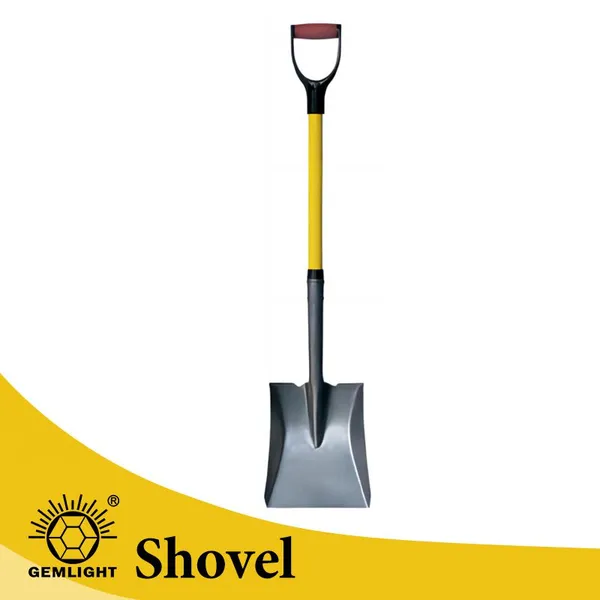
Big Shovel Wide Shovel Mud Shovel Heavy Duty Steel Blade for Farm Drainage Soil Moving Cleaning and Landscaping UseUS$ 2.14 - 2.36MOQ: 1200 Pieces
-
Strong Teeth Soil Rake for Farm Tool Suppliers Private Label Export for Farm Maintenance African Distribution Factory Bulk OrderUS$ 0.88 - 1.35MOQ: 2000 Pieces
-
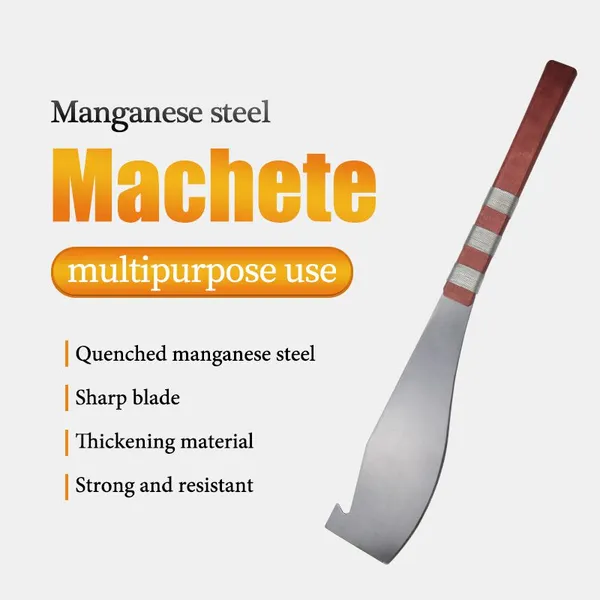
Manual Cane Knife Machete for Wholesale Buyers Factory Direct Export for Rural Agricultural Projects Durable Hand ToolNegotiableMOQ: 1200 Pieces
-
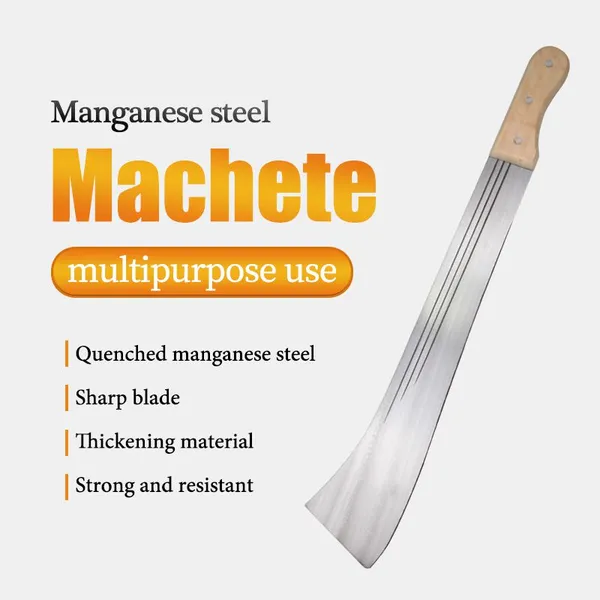
Large High Carbon Steel Machete Knife Agricultural Machete for Farming Bush Cutting Garden Tool SupplierNegotiableMOQ: 1200 Pieces
-
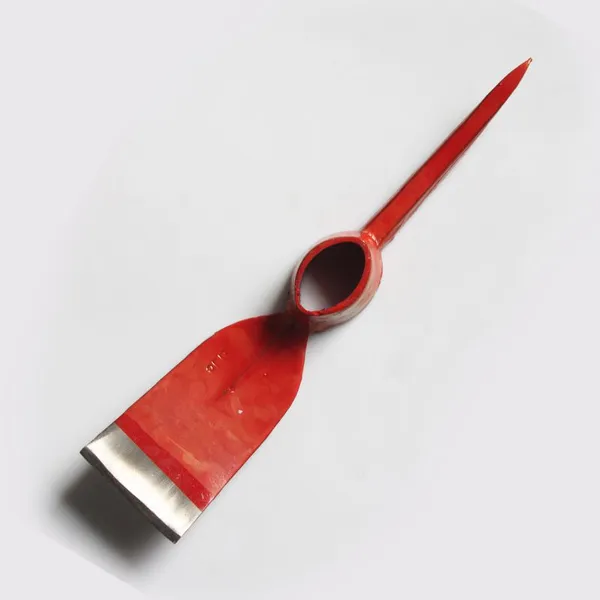
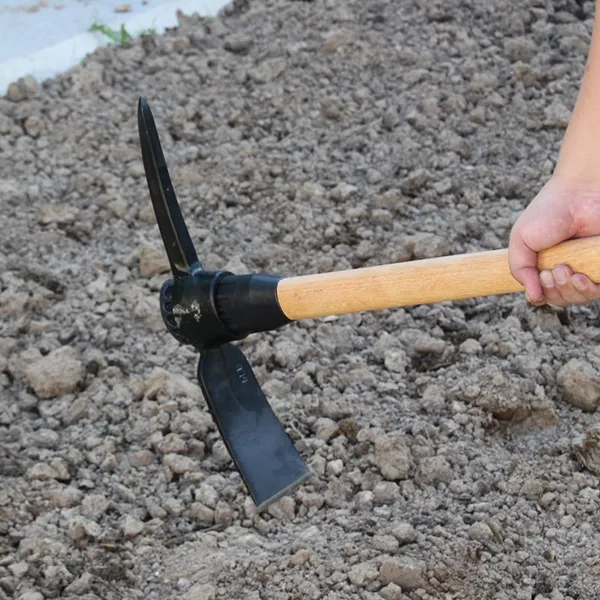
Wholesale Heavy Duty Pick Mattock for Mining Road Work and Farm Digging for Wholesale Tool Dealers With Bulk Order ServiceUS$ 1.85 - 2.3MOQ: 1200 Pieces
-
Carbon Steel Manual Pickaxe for Hard Soil Breaking and Trenching for African Importers With OEM Bulk Order Support Agricultural ToolUS$ 1.85 - 2.3MOQ: 1200 Pieces

-
OEM Farm Sickle With Sharp Blade for African Importers OEM Bulk Order Support for Harvesting and Smallholder Farming for Wholesale BUS$ 0.28 - 0.33MOQ: 3000 Pieces
-
Heavy Duty Manganese Steel Round Point Shovel Garden Digging Shovel With Wooden Handle Agricultural Tool ManufacturerUS$ 2.14 - 2.36MOQ: 1200 Pieces
-
Farm Shovel Factory Supply for Regional Import Distributors Bulk Wholesale Supply for Garden Work and Trenching for Agricultural DealersUS$ 2.14 - 2.36MOQ: 1200 Pieces
-
Heavy Duty Garden Rake for African Importers OEM Factory Supply for Agricultural Use African Market Factory Bulk OrderUS$ 0.88 - 1.35MOQ: 2000 Pieces
-
Agricultural Soil Rake for Agricultural Dealers Export Supply for Garden Cleaning African Dealer Channels Factory Bulk OrderUS$ 0.88 - 1.35MOQ: 2000 Pieces

-
Manual Farm Machete for African Importers OEM Factory Supply for Farming and Land Clearing Durable Hand ToolNegotiableMOQ: 1200 Pieces
-
Large Heavy Duty Carbon Steel Garden Landscaping Digging HoeUS$ 1.07 - 1.27MOQ: 1200 Pieces
-
Heavy Duty Rail Steel Mattock Pick Axe With Wooden Handle for Digging Soil Mining and Agricultural Tool SupplierUS$ 1.85 - 2.3MOQ: 1200 Pieces
-
Forged Farm Sickle With Sharp Blade for African Importers OEM Bulk Order Support for Harvesting and Smallholder Farming for WholesalUS$ 0.28 - 0.33MOQ: 3000 Pieces
-
Strong Carbon Steel Farming Sickle for Uganda Tanzania Zambia Agricultural Tool DistributorsUS$ 0.34 - 0.47MOQ: 3000 Pieces